A deep dive into AppClerk's scanning engine and how it automatically detects data collection patterns, SDKs, and compliance requirements in your codebase.
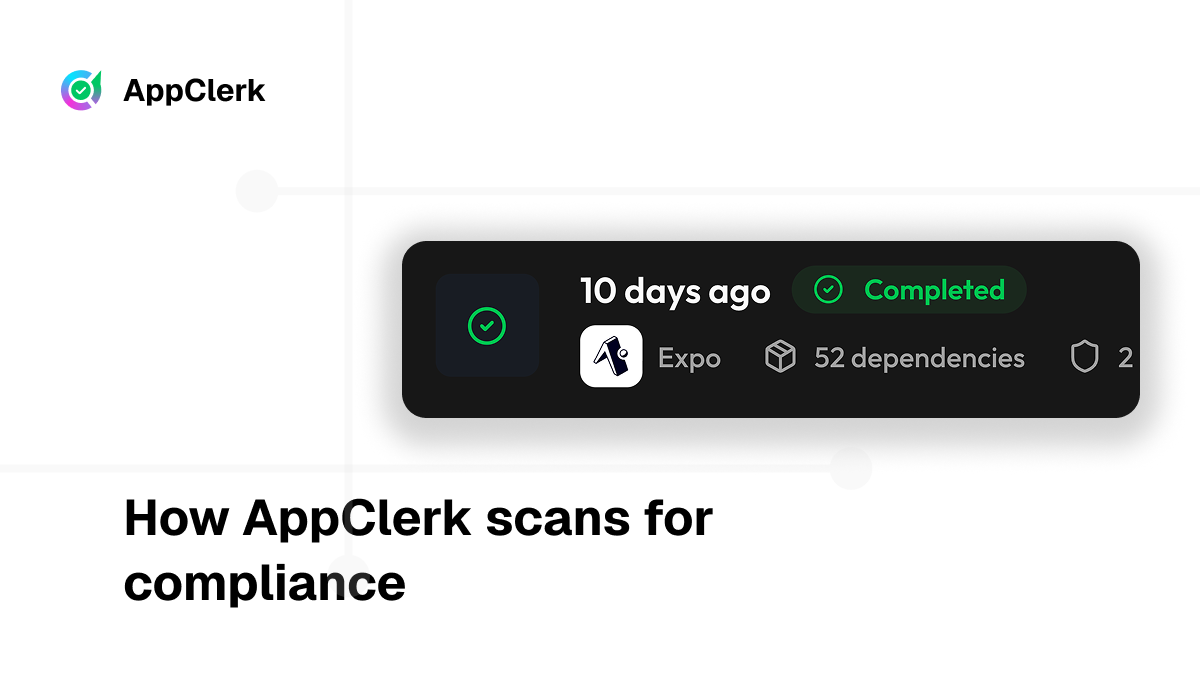
When you connect a project to AppClerk, our system performs a comprehensive analysis of your codebase to understand exactly what data your application collects and how it's used. This process, which happens automatically in the background, forms the foundation for generating accurate, compliant privacy policies.
In this technical deep dive, we'll explore how AppClerk's scanning engine works under the hood.
AppClerk's scanner operates in multiple phases:
Each phase builds upon the previous one, creating a complete picture of your app's data practices.
The scanner first determines what type of project you're working with. This is crucial because different frameworks have different scanning strategies.
For React Native projects, AppClerk looks for:
package.json with React Native dependenciesandroid/ and ios/ directoriesreact-native.config.js or metro.config.jsExpo projects are identified by:
app.json or app.config.js with Expo configurationexpo package in dependencieseas.json for Expo Application ServicesFlutter projects are recognized through:
pubspec.yaml filelib/ directory structureFor web projects, the scanner:
Once the framework is identified, the scanner applies framework-specific analysis rules.
The next step is parsing your dependency files to understand what third-party services you're using.
For projects using npm/yarn, AppClerk reads package.json and identifies packages that indicate data collection:
{
  "dependencies": {
    "@react-native-firebase/analytics": "^18.0.0",
    "stripe": "^14.0.0",
    "@sentry/react-native": "^5.0.0"
  }
}
The scanner recognizes:
@react-native-firebase/* → Firebase servicesstripe → Payment processing@sentry/* → Error tracking and crash reportingFor Flutter projects, the scanner reads pubspec.yaml:
dependencies:
  firebase_analytics: ^10.0.0
  stripe_payment: ^2.0.0
  sentry_flutter: ^7.0.0
Similar patterns are detected and mapped to privacy policy requirements.
AppClerk also checks lock files (package-lock.json, yarn.lock, pubspec.lock) to verify the exact versions being used, which helps determine specific compliance requirements for each SDK version.
Beyond dependency files, the scanner analyzes your source code for SDK initialization and usage patterns.
The scanner uses regex patterns to find SDK usage:
// Firebase Analytics
firebase.analytics().logEvent('event_name', { ... })

// Stripe
stripe.paymentIntents.create({ ... })

// Sentry
Sentry.captureException(error)
Each pattern match is recorded with:
The scanner also tracks import statements:
import { initializeApp } from "firebase/app";
import { getAnalytics } from "firebase/analytics";
import Stripe from "stripe";
This helps identify SDKs even when they're not actively used in the scanned code paths.
For mobile apps, permissions declared in platform-specific files directly indicate data collection.
AppClerk scans ios/Info.plist or app.json for iOS permissions:
<key>NSLocationWhenInUseUsageDescription</key>
<string>We need your location to show nearby restaurants</string>

<key>NSCameraUsageDescription</key>
<string>Camera access for profile photos</string>
Each permission maps to specific data types:
NSLocationWhenInUseUsageDescription → Location DataNSCameraUsageDescription → Photos/ImagesNSContactsUsageDescription → Contact InformationNSHealthShareUsageDescription → Health InformationFor Android, the scanner reads AndroidManifest.xml:
<uses-permission android:name="android.permission.ACCESS_FINE_LOCATION" />
<uses-permission android:name="android.permission.CAMERA" />
<uses-permission android:name="android.permission.READ_CONTACTS" />
These are mapped to the same data categories as iOS permissions.
For Expo apps, permissions are declared in app.json:
{
  "expo": {
    "ios": {
      "infoPlist": {
        "NSLocationWhenInUseUsageDescription": "..."
      }
    },
    "android": {
      "permissions": ["ACCESS_FINE_LOCATION"]
    }
  }
}
The scanner handles all these formats consistently.
Once SDKs and permissions are identified, AppClerk infers what data is actually being collected.
Each detected SDK has a known data collection profile:
Firebase Analytics collects:
Stripe collects:
Sentry collects:
Permissions directly indicate data access:
The scanner combines multiple signals to build a complete picture:
Firebase Analytics detected + Location permission →
"Location data collected for analytics purposes"

Stripe detected + No payment permissions →
"Payment information processed securely (not stored locally)"
Finally, AppClerk matches your app's data collection profile against compliance requirements.
For iOS apps, the scanner checks against Apple's 14 data type categories:
Each category requires specific disclosures in your App Store Privacy form.
For Android apps, Google Play's Data Safety section requires similar disclosures, which the scanner maps automatically.
The scanner also flags data collection that may require GDPR compliance:
AppClerk doesn't just scan once. When you:
The scanner re-runs automatically and flags any changes that require policy updates. You'll receive notifications like:
"New SDK detected: @react-native-community/geolocation. Your privacy policy may need to include location data collection disclosure."
AppClerk's scanning engine combines multiple analysis techniques—dependency parsing, code pattern matching, permission detection, and compliance rule mapping—to automatically understand your app's data practices. This eliminates the manual work of auditing your codebase and ensures your privacy policy accurately reflects what your app actually does.
The result? A privacy policy that's not just compliant, but continuously maintained as your app evolves.